
这个方法我自己试用了一段时间,整体感觉还是比较稳定的。
我 Fork 的是 https://github.com/cheungray123/rss-robot 这个项目。
它的原理是:通过 GitHub Action 设置定时任务,识别所订阅博客的 RSS 地址,然后抓取 RSS 文章。
接着,将所有 RSS 订阅的文章整合成 JSON 数据,供博客调用。
这个项目原本支持飞书和邮箱通知。我个人不太喜欢邮箱通知,所以一直用的是飞书通知。
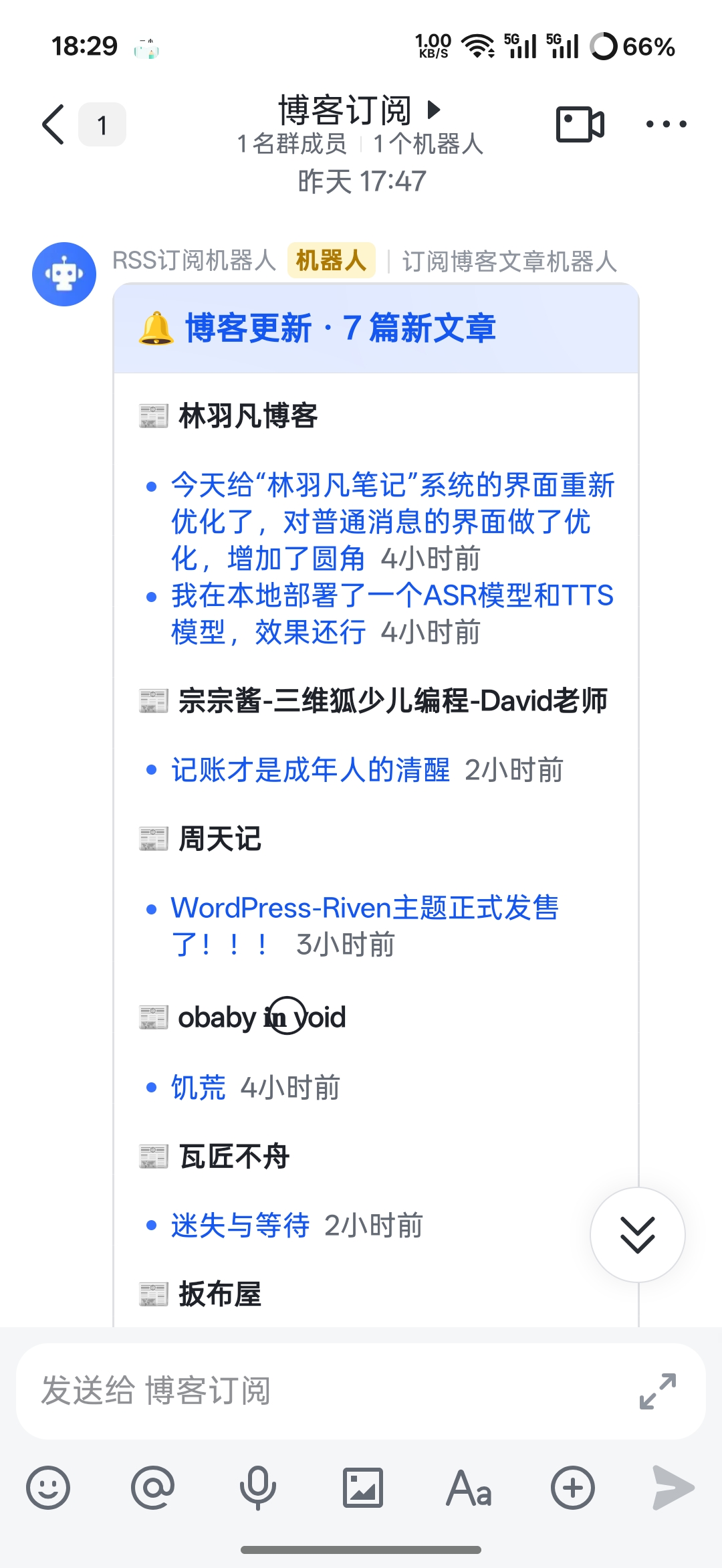
具体的使用方法我就不再赘述了,项目的 README 文件里有详细介绍。
github.com
https://github.com/cheungray123/rss-robot
↗
核心补充点
刚开始接触这个项目时,我发现很多博主其实禁止了非大陆地区的访问,而 GitHub 的服务又在境外。
因此,许多博客无法正常订阅,抓取 RSS 时往往会失败。如果逐个联系博主将 IP 加入白名单,显然不太现实。
我最终采用一个折中的方法,用腾讯云的云函数来代理,部署到腾讯云 SCF(事件函数),通过国内 IP 进行中转。
// RSS 抓取代理 — 部署到腾讯云 SCF(事件函数),提供国内 IP 中转

exports.main_handler = async (event) => {
  // 尝试多种方式解析请求体(兼容不同 API 网关配置)
  let body = event.body;
  if (typeof body === 'string') {
    try { body = JSON.parse(body); } catch { body = {}; }
  }
  if (!body || typeof body !== 'object') body = {};

  const { url, timeout = 15000 } = body;

  if (!url) {
    return { statusCode: 400, body: JSON.stringify({ error: 'url required' }) };
  }

  try {
    const controller = new AbortController();
    const timer = setTimeout(() => controller.abort(), timeout);

    const targetRes = await fetch(url, {
      signal: controller.signal,
      redirect: 'follow',
      headers: {
        'User-Agent': 'Mozilla/5.0 (compatible; RSSBot/1.0)',
        Accept: 'text/html,application/xhtml+xml,application/xml,application/json;q=0.9,*/*;q=0.8',
      },
    });

    clearTimeout(timer);

    const text = await targetRes.text();
    const ct = targetRes.headers.get('content-type') || '';

    return {
      statusCode: 200,
      headers: { 'Content-Type': 'application/json' },
      body: JSON.stringify({
        ok: true,
        status: targetRes.status,
        contentType: ct,
        body: text,
      }),
    };
  } catch (err) {
    return {
      statusCode: 502,
      headers: { 'Content-Type': 'application/json' },
      body: JSON.stringify({ ok: false, error: err.message }),
    };
  }
};
通过配置一个 GitHub Action 环境变量,使所有 RSS 订阅的抓取请求都通过该代理地址,即可完美满足需求。
这里有两个需要注意的要点:
在 fork
https://github.com/cheungray123/rss-robot之后,务必将仓库设置为公开访问,否则免费版 GitHub 的 Action 会有额度限制。腾讯云 SCF 函数存在一定的额度限制,更适合个人使用。如果订阅数量过多,反而并非理想的解决方案。
这个方法尤其适合那些没有服务器的小伙伴——所有数据都掌握在自己手中。我的友圈数据,也正是这样获取的。